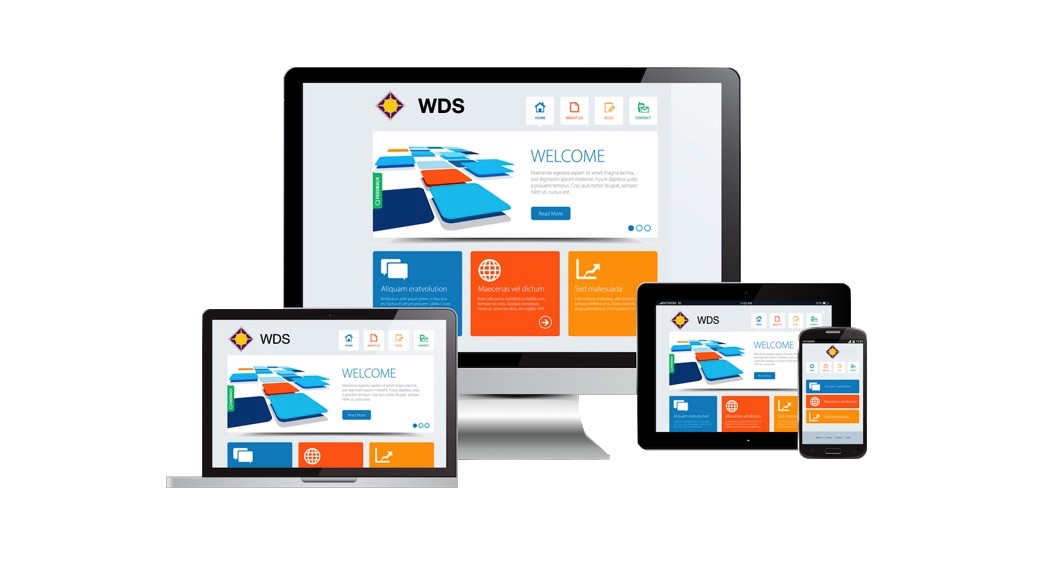




• Free domain registration and web hosting in Florida

    We have been in Florida for 10 years. It is a beautiful place to work and live. We’d like to serve our local businesses and offices at least for another 10 years. This is why we prepared a special package for our business partners in the counties of Miami Dade, Broward and Palm Beach and especially in the city of Weston.
    Continue reading “Free domain registration and web hosting in Florida” »

  • Support page for Random Facts Android

    Random Facts is a mobile phone application that contains a local database of hundreds of bizarre and interesting facts. Just tap on “Next” and you’ll be presented one randomly.

    When you have network connections Random Facts downloads the latest data from our remote servers that store thousands of stories, images, audio and video clips. Random Facts builds and presents multimedia contents while you are online.

    RandomFacts for Android is available at Google’s Android Market from here.

    Continue reading “Support page for Random Facts Android” »

  • Sleek Tip Calculator Product Support

    Sleek Tip Calculator 3.0 is an iPad and iPhone application. It is available at the iTunes AppStore. Sleek Tip CalculatorĀ is designed to be a friendly personal assistant even after a celebration and a few drinks. Programmers wrote it for their own daily usage. It offers much more than a numeric keypad and some math functions. The built-in map helps you navigate after a long day. It also gives you an interface to write an instant review about your latest experiences in the resort, in the hotel or restaurant, and it will share your opinion with millions of readers in seconds. Tip Calculator 3.0 is developed by Oak Tree IT.
    Continue reading “Sleek Tip Calculator Product Support” »

  • Rescue Me! iPhone Application Support

    RescueMe is one the most popular free iPhone applications with more than 25,000 users. Parents, friends and children can live in a little bit more secure environment. If you’re in a tight spot or emergency just press “Rescue Me!” and this application will send your geo location to your Twitter followers, and Facebook friends, and to any email accounts you set, as well as to mobile phones with SMS sending capabilities. It will come in the form of longitude and latitude coordinates, a map link, and a help message (which you can set) to ensure you can be found. It even works with iPod Touch and iPad where phone functions are not, but WiFi or 3G data access is still available. It helps you send your exact GPS location and a google map link without misspelling any numbers. Rescue me is a free iPhone and iPad application. The current version number is 3.1 (2011.06.29).

    This page provides technical support for its users.
    Continue reading “Rescue Me! iPhone Application Support” »

  • Latest posts @Oops Tech Blog

    • Xcode 4.2 with iOS 5 to test location services in simulator
      Question: I’m an iPhone programmer and have a problem. I should test and debug my iPhone/iPad application with location services for different GPS positions and routes. Do you have a static library or module that produces GPS coordinates in the preset range? Answer: You do not need GPS location simulator any longer. Since Xcode 4 [...]
    • Trace EXC_BAD_ACCESS exception in iPhone app with Xcode 4
      Question: Recently I upgraded my universal iPhone project to Xcode 4 and ran immediately into an EXC_BAD_ACCESS exception in my application when running on an iPad. My code runs without errors on iPhone. I don’t know where it has come from and how to find the source code line in error. My app quits without [...]
    • Upgraded Xcode 4 constantly crashes when opening XIB file
      Question: I have some “old” iPhone projects. Since I upgraded from Xcode 3.2 to Xcode 4 it constantly crashes when I open an XIB file. The same project builds without errors in Xcode 3. The error log message is: “Encountered multiple assertions. First assertion was: ASSERTION FAILURE…” and a long list of stack info. Answer: [...]
    • Xcode 4 build gcc-4.2 error, execvp: No such file or directory error
      Question: After downgrading from Xcode 4.2 beta to Xcode SDK 4.02 I am facing new error messages: - “gcc-4.2: error trying to exec ‘/Developer/Platforms/iPhoneSimulator.platform/Developer/usr/bin/arm-apple-darwin10-gcc-4.2.1′: execvp: No such file or directory”, and – “Command /Developer/Platforms/iPhoneSimulator.platform/Developer/usr/bin/gcc-4.2 failed with exit code 255″. What’s is this for and what to do now? Answer: Check out your build configuration. The [...]
    • Xcode building error: should include an armv6 architecture
      Question: After upgrading to Xcode 4.2 SDK I ran into trouble of building distribution code including release and ad-hoc applications. I get this warning message: “warning: iPhone apps should include an armv6 architecture (current ARCHS = “armv7″)”. I selected Deployment target to 4.0. I am using Xcode 4.2. What to do? Answer: You should do [...]
Page 1 of 3123»